 CrazyGaming
Mastering the Ping Pong Game for Ultimate Fun
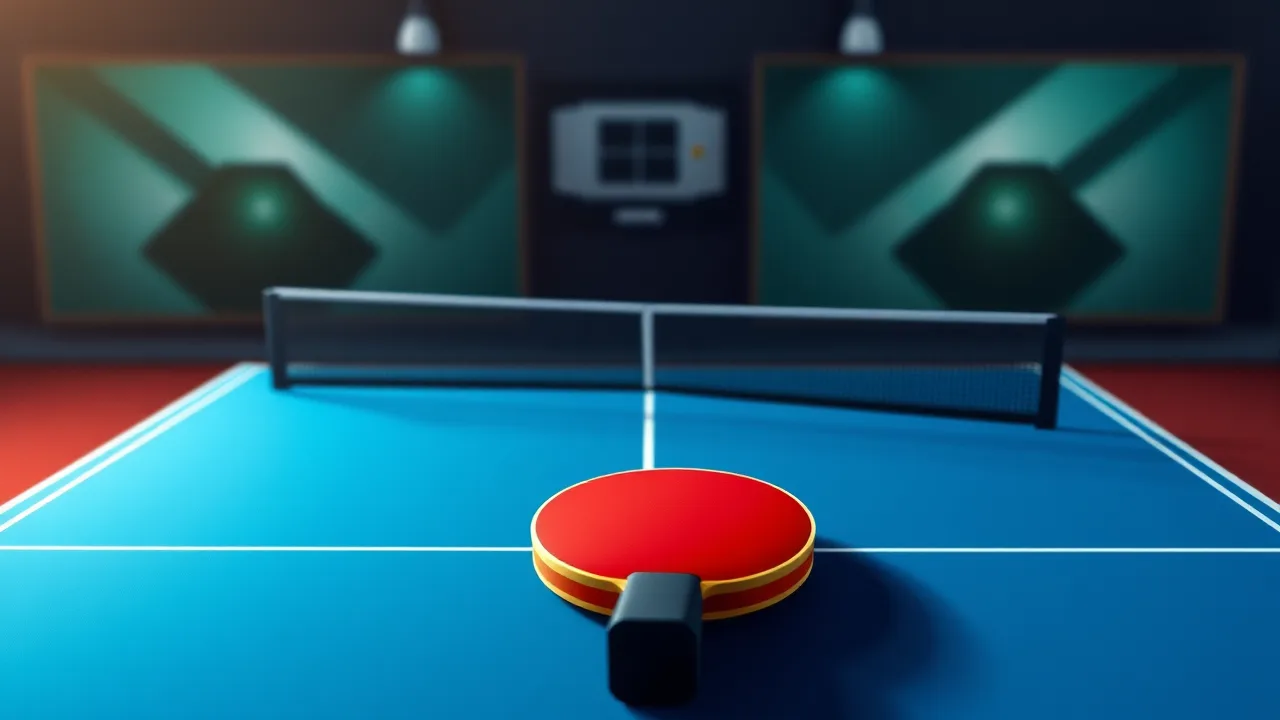
ping pong game is a fast-paced digital adaptation of the classic table tennis sport, bringing the excitement of quick reflexes and strategic ball placement right to your screen. This engaging experience challenges players to master timing and precision as they volley back and forth against a computer opponent. Whether you are looking to sharpen your hand-eye coordination or simply enjoy a quick match during a break, this guide provides everything you need to know to get started. We will cover the essential mechanics, winning strategies, and tips to help you dominate the table in this browser-based game.
Essential Mechanics of Digital Table Tennis
Understanding the core controls is the first step toward victory. The objective remains simple: hit the ball past your opponent so they cannot return it. However, the digital format requires precise mouse movements or keyboard inputs to control your paddle's position and angle. You must time your returns carefully to account for the ball's speed and trajectory. Most versions of this game allow you to move the paddle vertically along the bottom of the screen, intercepting the ball before it passes your baseline. Mastering the difference between a defensive lob and an aggressive smash is key to controlling the flow of the match.
Strategies for Consistent Victory
To win consistently, you need more than just fast reflexes. Positioning is crucial; try to keep your paddle centered when the ball is in play to react quickly to unpredictable bounces. Watch the ball's shadow or trajectory line if available, as this gives you a split-second advantage in predicting where it will land. Do not simply chase the ball; anticipate its path. Varying your return angles can also throw off the computer's pattern recognition, forcing it into difficult positions. By mixing up your shots between deep returns and angled drops, you keep the opponent guessing and create openings for scoring points.
Advanced Control Techniques
Once you have the basics down, you can start incorporating advanced techniques. Some iterations of the game allow for spin mechanics, where hitting the ball at different parts of the paddle changes its curve. Even without explicit spin buttons, angling your returns can simulate this effect. Practice rapid directional changes to return shots that seem out of reach. It is also important to manage your pace; sometimes slowing down the rally with a high lob can reset the tempo and give you time to reposition. Remember that patience is often more effective than constant aggression.
Optimizing Your Play Environment
Since this is a browser game, your setup can impact performance. Ensure your browser is up to date to handle the rendering smoothly without lag. A stable internet connection is vital for online versions to prevent input delay. If the game allows, adjust the difficulty settings to match your skill level, starting on easy to learn the physics before ramping up the challenge. Playing in full-screen mode can also help minimize distractions and improve your focus on the fast-moving ball. These small adjustments make a significant difference in your overall gaming experience.
| Feature | Details |
|---|---|
| Gameplay Style | Fast-paced arcade simulation |
| Primary Controls | Mouse movement or Keyboard arrows |
| Session Pace | Intense and rapid |
| Device Fit | Desktop and Mobile browsers |
| Category Focus | Sports and Reflexes |
Why This Game Stands Out
In the vast ocean of browser games, this title shines for its simplicity and immediate gratification. It requires no downloads or lengthy tutorials, making it accessible to anyone with a web browser. The physics engine provides a satisfying sense of weight and impact, making every successful return feel rewarding. It serves as an excellent mental break, offering a burst of adrenaline without a heavy time commitment. The clean visual style ensures that the gameplay remains the focus, allowing you to immerse yourself in the rally without unnecessary visual clutter.
Tips for Improving Your Reflexes
Improving your reaction time is a gradual process. Start by focusing on the ball's speed rather than the opponent's paddle. By tracking the ball early, your brain has more time to calculate the interception point. Try to relax your grip on the mouse or keyboard; tension slows down reaction speeds. You can also practice specific drills if the game offers a training mode, focusing solely on returning fast serves. Over time, these movements will become muscle memory, allowing you to react instinctively to even the fastest volleys.
Integrating Table Tennis into Your Routine
This game fits perfectly into a busy schedule. You can play a quick round during a coffee break or a longer session when you have some downtime. It is a great way to keep your mind sharp and your reflexes tuned. Because it is part of a larger game collection, you can easily switch between this and other casual titles if you want variety. The accessibility of browser-based games means you can jump in on almost any device with internet access, making it a versatile option for entertainment on the go.
Frequently Asked Questions
Players often wonder if this game is suitable for beginners. The answer is yes; the controls are intuitive, and the difficulty usually scales as you progress. Another common question concerns the difference between single-player and multiplayer modes. While single-player focuses on beating the AI, multiplayer adds a layer of unpredictability since human players vary in strategy. Lastly, many ask if the game saves progress. Since it is a browser game, progress is often session-based, encouraging you to beat your high score each time you play.